e-code公共插件开发教程
e-code公共插件开发概述
概述
  #e-code公共插件用处
  主要开发一些公共方法或者公共组件供其他二次开发或者业务开发使用
e-code公共插件开发代码示例
示例
#开发背景:
  本事例主要开发一个公共方法 regReactChildren 和一个公共组件 RedCircle
#基本逻辑说明:
  1)按照正常模块从 entry.js 导出需要开发的组件或者方法即可
  2)使用的时候通过 @weapp/ecodesdk 的 jsonp.require 方法引用即可
第一步、打开e-code
  打开e-code平台  http://ip/ecode
  打开项目,没有项目可以自行新建一个
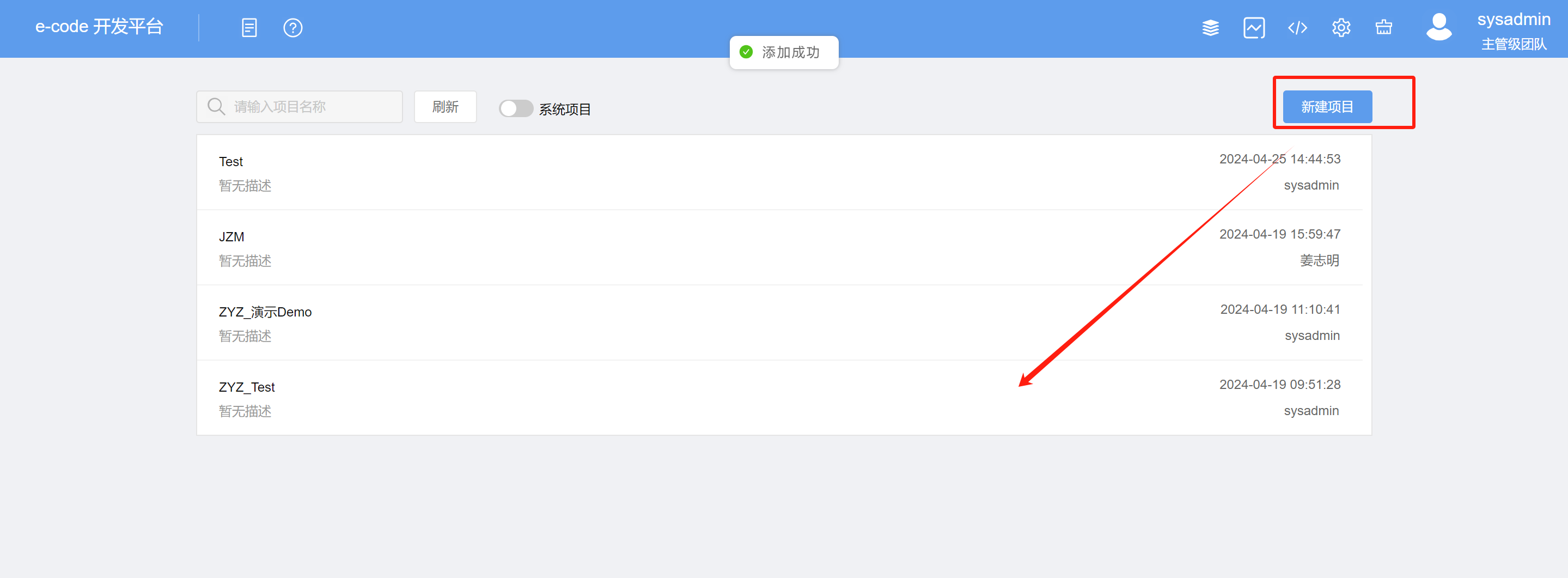
第二步、新建应用
进入项目后,鼠标右键新建一个应用
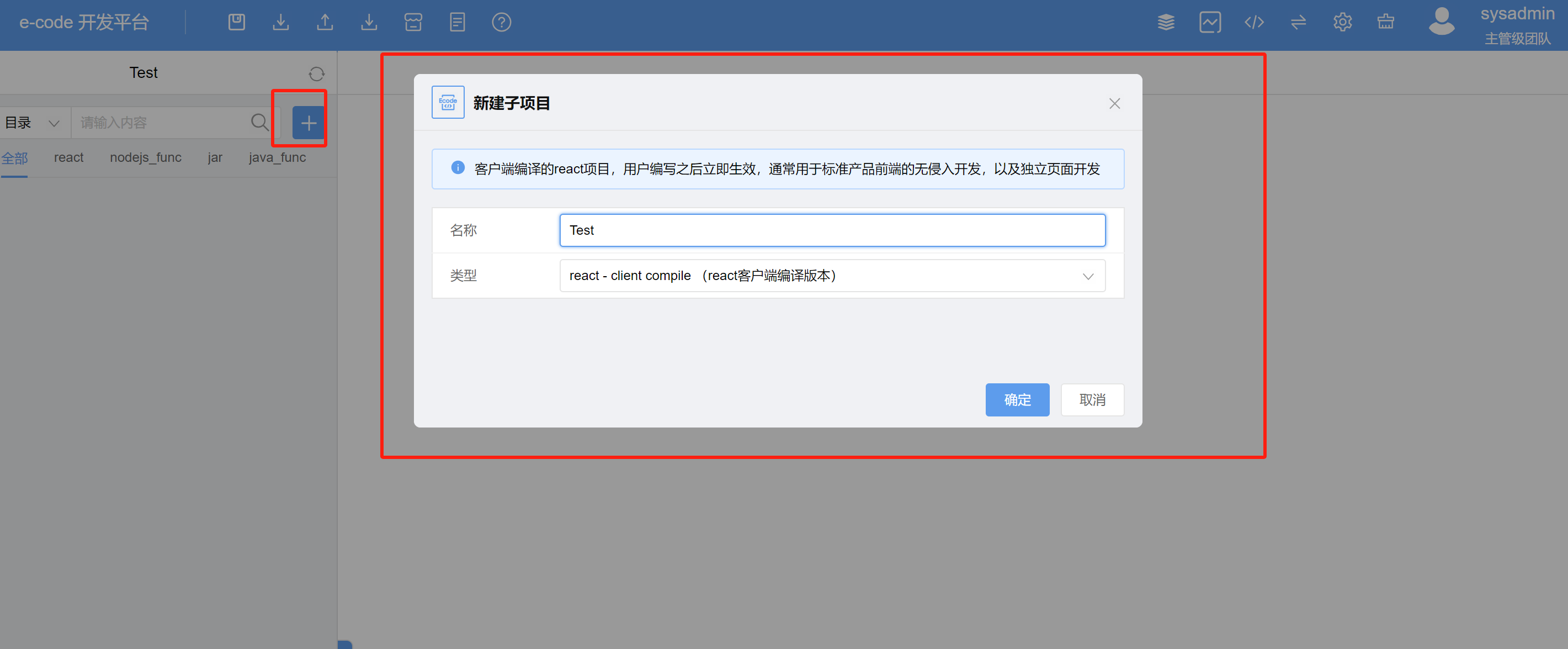
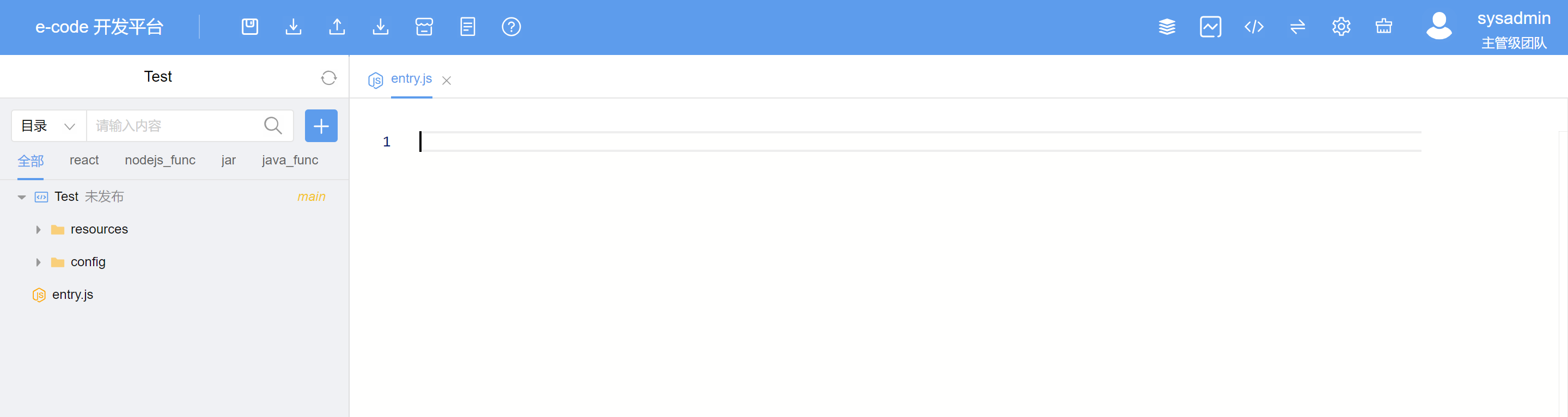
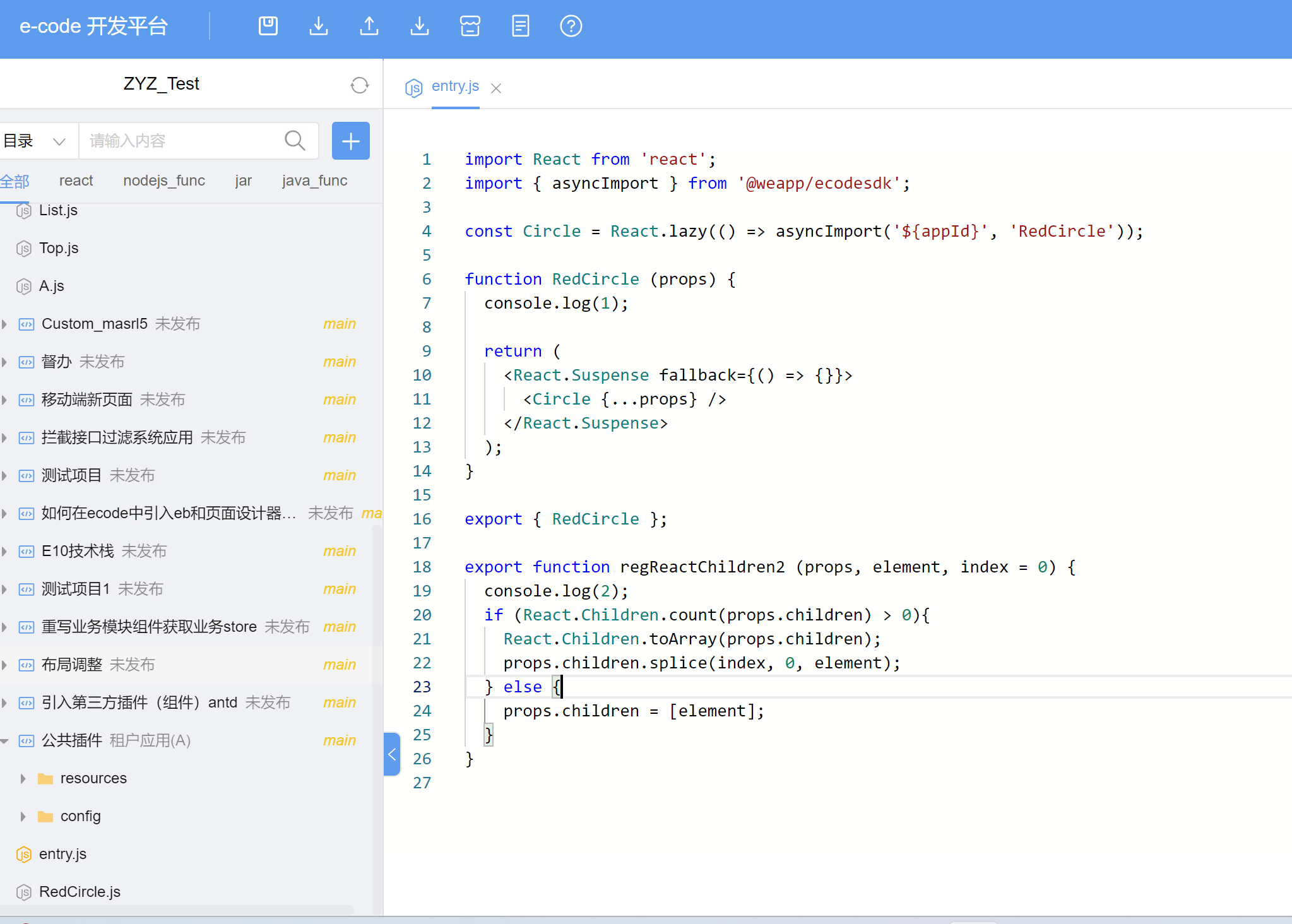
第三步、代码覆盖entry.js
/**
 * 第三方插件(组件引入)
 */
import React from 'react';
import { asyncImport } from '@weapp/ecodesdk';

const Circle = React.lazy(() => asyncImport('${appId}', 'RedCircle'));

function RedCircle (props) {
  console.log(1);

  return (
    <React.Suspense fallback={() => {}}>
      <Circle {...props} />
    </React.Suspense>
  );
}

export { RedCircle };

export function regReactChildren2 (props, element, index = 0) {
  console.log(2);
  if (React.Children.count(props.children) > 0){
    React.Children.toArray(props.children);
    props.children.splice(index, 0, element);
  } else {
    props.children = [element];
  }
}
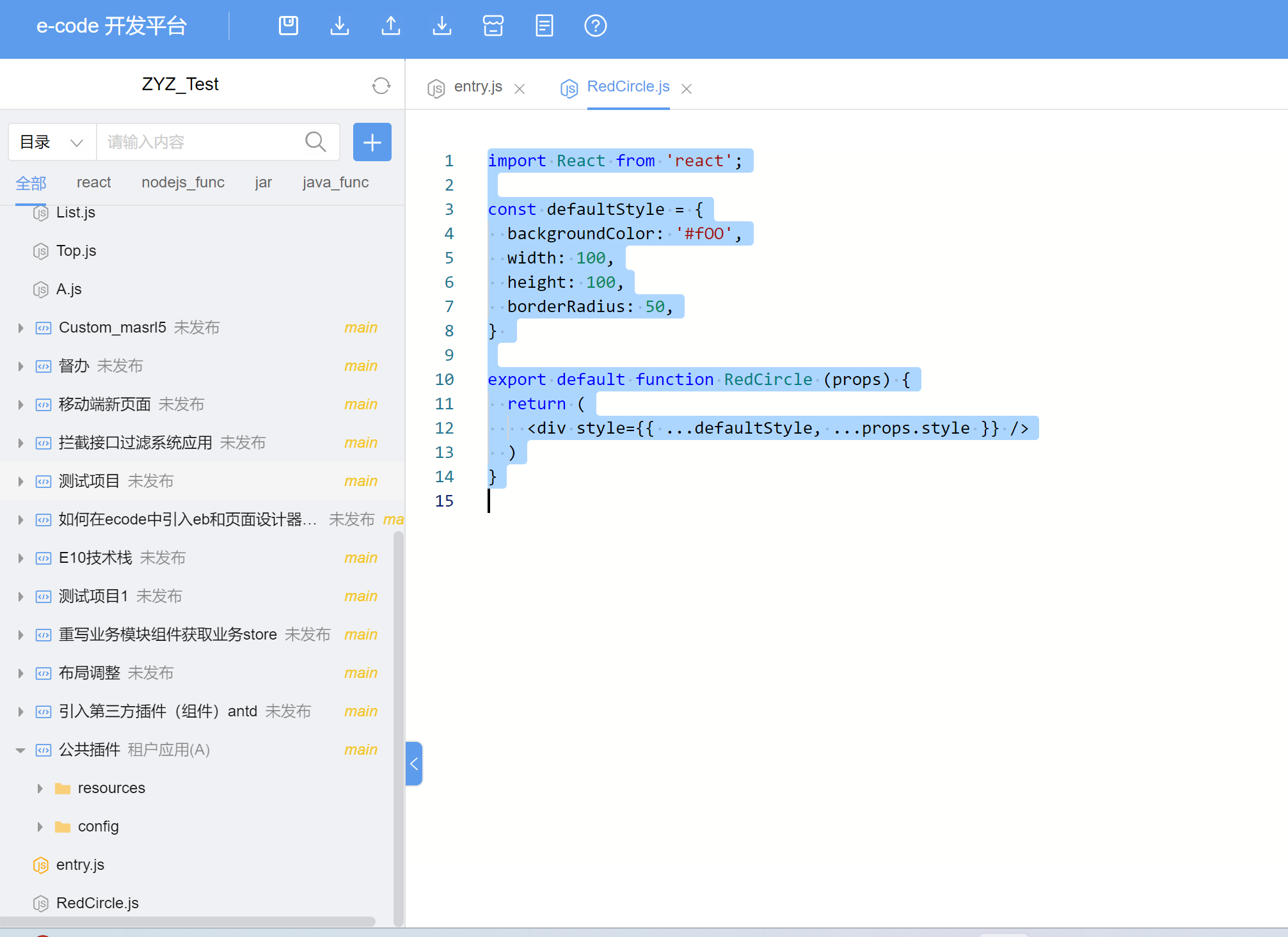
第四步、新建RedCircle.js
import React from 'react';

const defaultStyle = {
  backgroundColor: '#fOO',
  width: 100,
  height: 100,
  borderRadius: 50,
}

export default function RedCircle (props) {
  return (
    <div style={{ ...defaultStyle, ...props.style }} />
  )
}
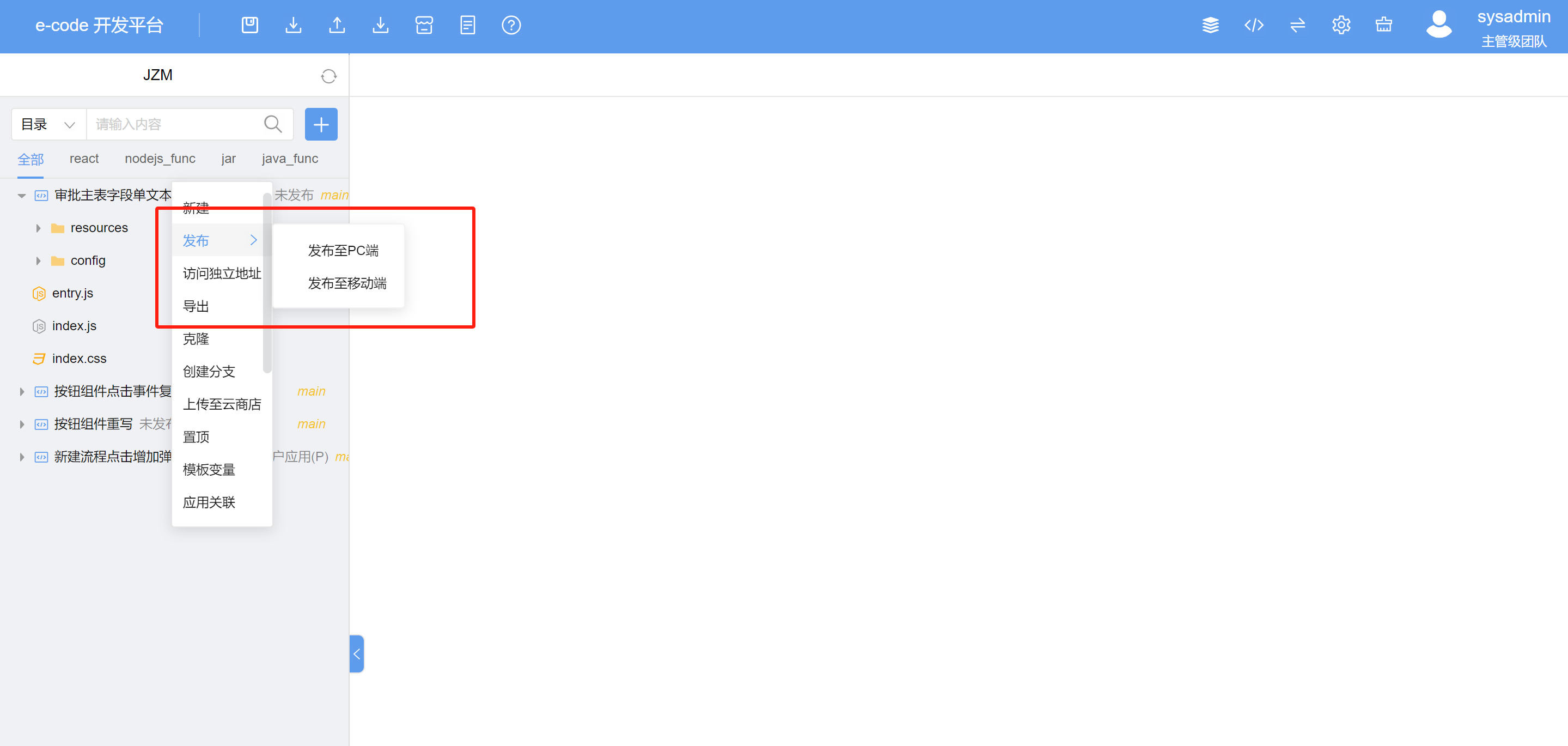
第四步、发布
  选中对应的应用,鼠标右键进行发布
  可以选择发布PC或移动端,不选择默认双端
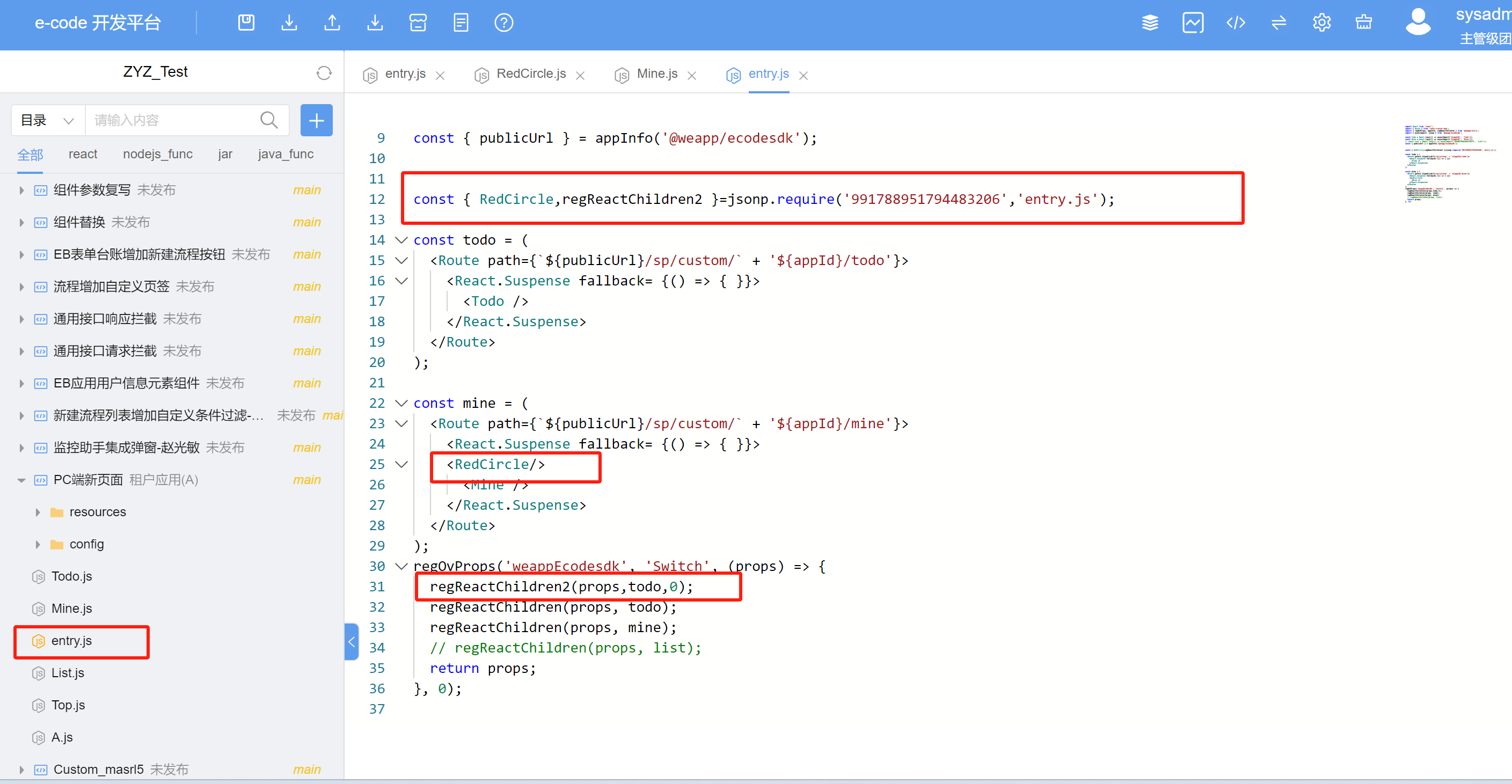
第五步、新页面使用公共插件
#使用jsonp
第六步、查看效果